Your ClassBook Story
Quick and Fun!
Most students finish this in about 5–7 minutes.
Story Depth
Just Beginning
0%
0/8 sections
Estimated story length: ~400 words
Fill in more sections belowSchool Year Highlight
empty
Favorite Subject
empty
Friends & Teachers
empty
Favorite Memory
empty
Proud Moment
empty
Challenge Overcome
empty
Dream / Future Goals
empty
Teacher Name
empty
Basic Info
If your school has a uniform, describe it here. It will be used for classroom scenes.
📸 Cover Photo
Personalize your cover with a favorite photo (optional).
For the Best Illustrations
Upload a clear, front-facing photo from the shoulders up. We'll use it to create consistent illustrations of your child throughout the book.
Don't worry if your photo isn't perfect—we'll let you know if we think another photo would produce better illustrations.
📸 Pro Tip: Most smartphones include Portrait Mode or Background Blur, which helps your child stand out from the background. Using one can create an even more polished ClassBook cover.
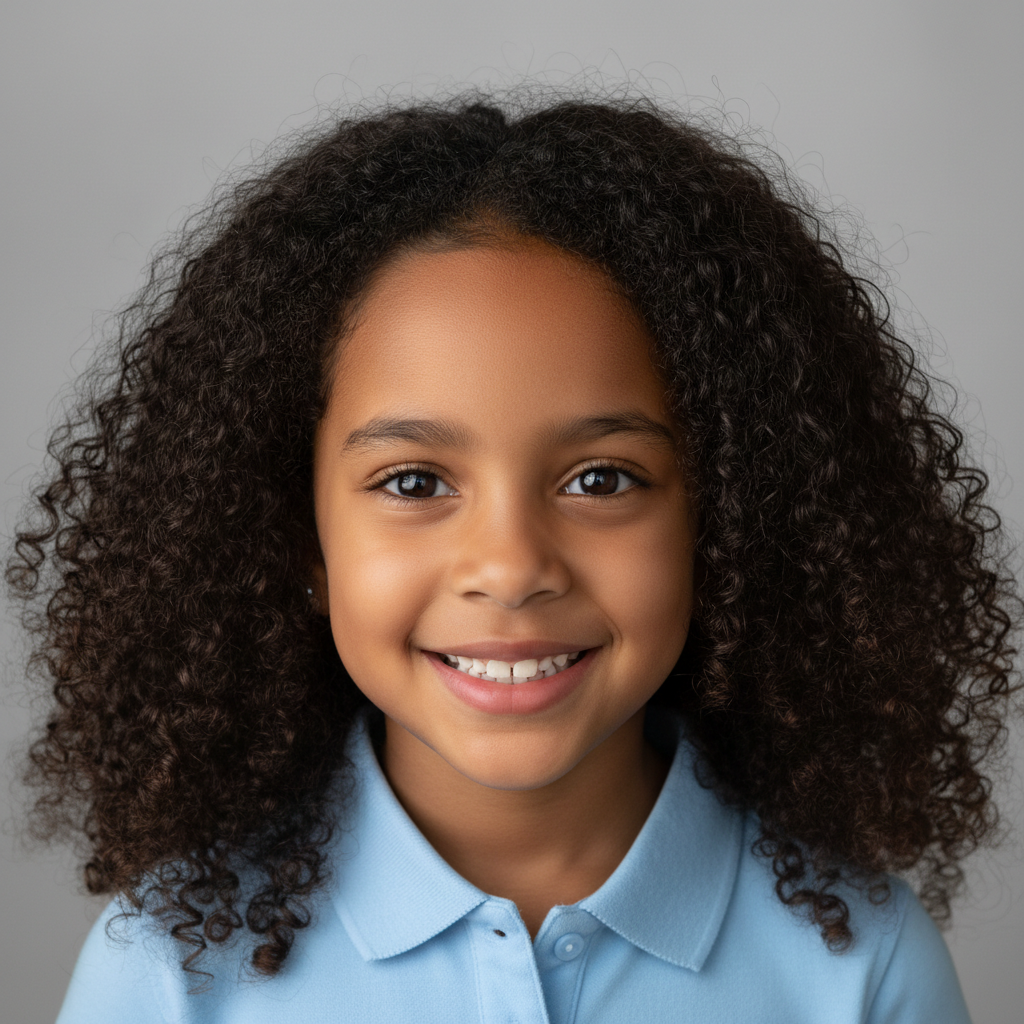
- ✓ Full face and head clearly visible
- ✓ Good natural lighting
- ✓ Eyes open and looking at camera
- ✓ Simple background
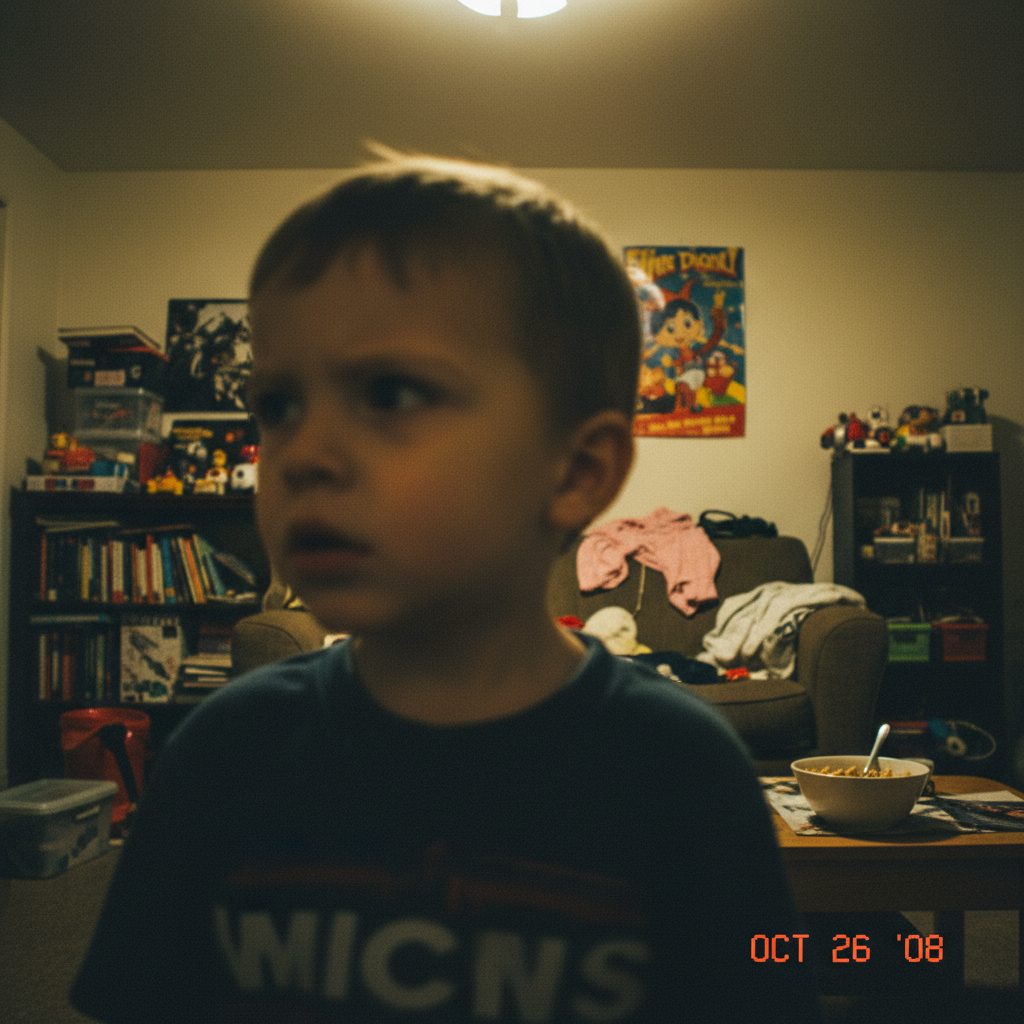
- ✗ Blurry or dark photos
- ✗ Face hidden or turned away
- ✗ Busy, cluttered background
- ✗ Heavy filters or effects
Quick tips: School photos work great! Make sure your face is well-lit with no sunglasses or objects covering your features. Natural outdoor shade or bright indoor light works best. For the most accurate character illustrations, a simple background helps the AI focus on your facial features!
Your Story
The more detail you add, the richer your book will be. Use the spark prompts 💡 if you get stuck!
If using the record feature, click the mic button to start recording, and click it again when done.